How to Find the BPM and Key of a Song
By Free Audio Editor · · How we test
Every mashup, beatmatch and singalong rewrite starts with two numbers: how fast the song is, and what key it lives in. Guess the BPM and your two choruses never line up. Guess the key and your re-recorded vocal fights the backing track. The key and BPM finder reads both from the file, in the browser, and this page is about reading them right and then using them.
What the two numbers are
BPM is beats per minute, returned as an integer between 60 and 180. The page measures the strongest gap between onsets, the moments the music emphasizes. If the strongest gap falls outside that window, it is halved or doubled until it fits. That is not a bug; it is how tempo works. A 140 BPM track is also a 70 BPM track at half feel, and the page picks the count that lands inside its window.
Key is a pitch class plus major or minor, matched against a fixed major profile and a fixed minor profile. It answers “which scale does this center on”, not “which chords are playing”. It is not a chord transcription, and treating it like one is the fastest way to misuse it.
Read a file
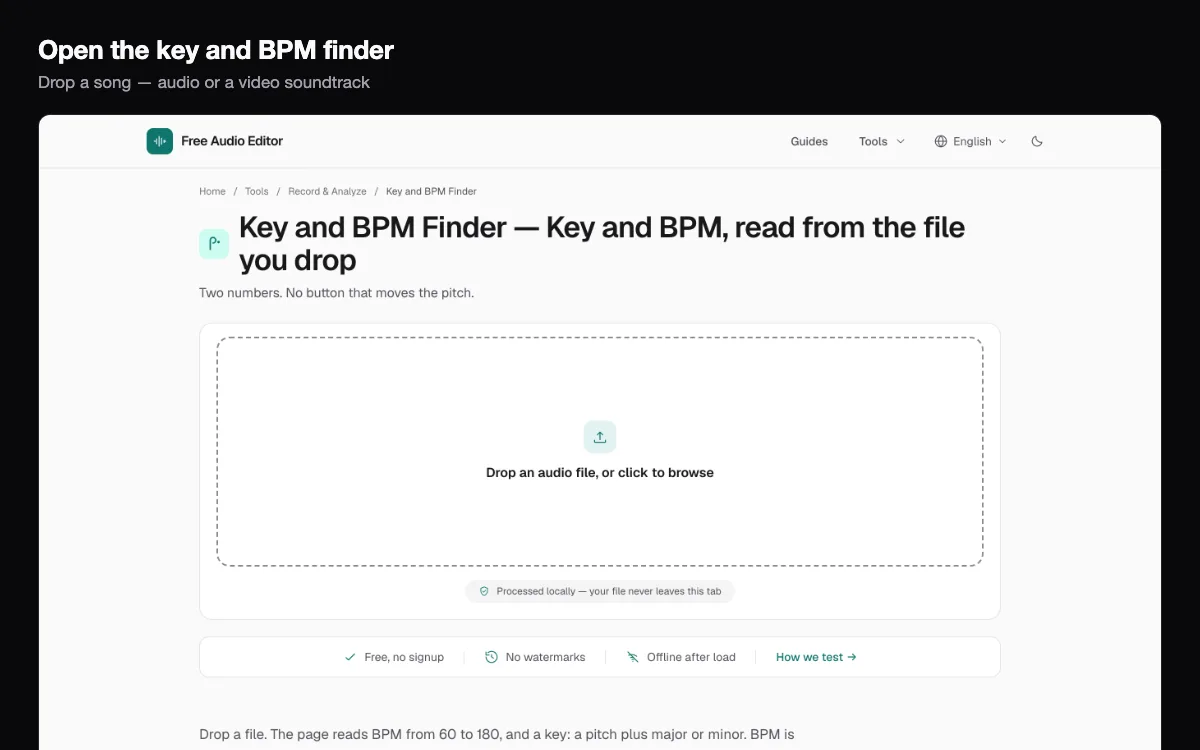
- Drop the song on the key and BPM finder. MP3, WAV, M4A, FLAC, or a video with a soundtrack; the browser decodes it and nothing is uploaded.
- Read the two numbers. The BPM sits between 60 and 180. The key reads like A minor or E-flat major.
- Check the note under the numbers. It names the cases where readings swap, like a half-time feel reading as half the tempo.
- The page reads the first 60 seconds. A track that changes tempo later is reported by its opening, not its average.
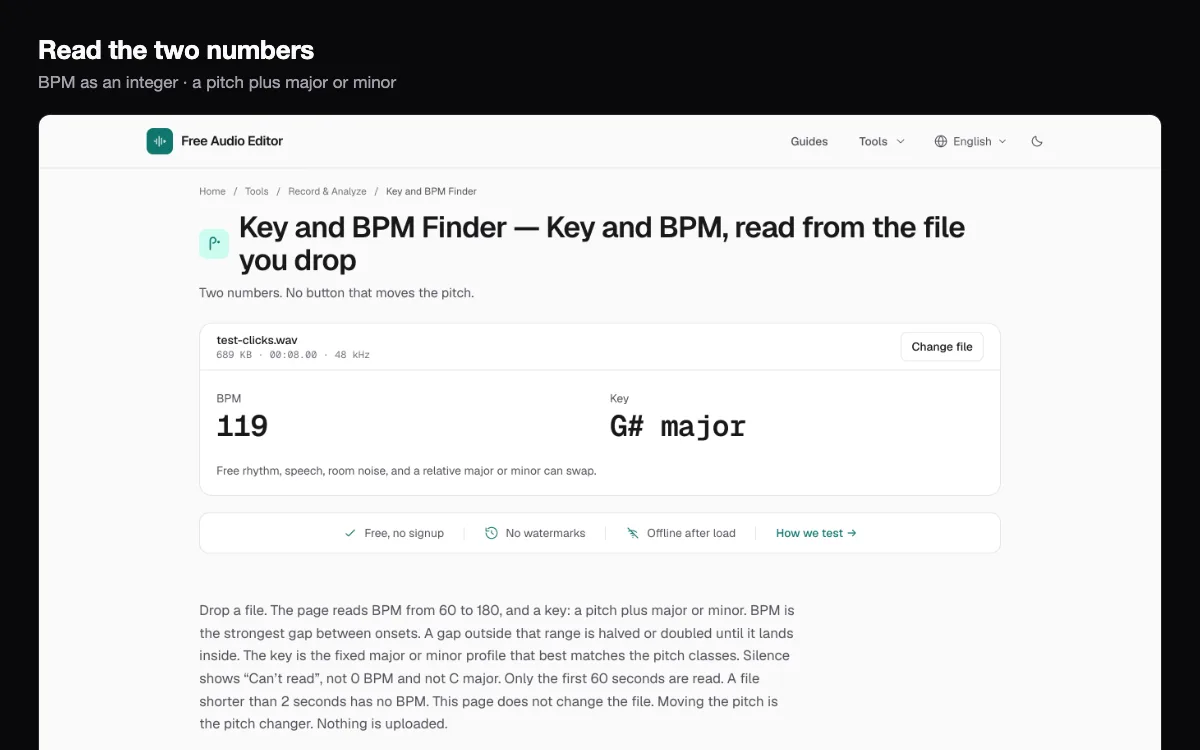
Two edge cases worth knowing before you doubt the tool: a file shorter than two seconds has no BPM to find, and a silent file shows “Can’t read” instead of a fake 0 BPM or C major. A reader that returns a confident number for silence is lying to you; this one does not.
The reading you did not expect
Two readings look wrong and are not. First, the halved or doubled tempo: a half-time feel can report 70 for a track you count at 140. Both describe the same music; use the count you would actually nod against. Second, the relative key: A minor and C major hold the same seven notes, so a minor-key song shares its pitch content with a major key a minor third up. A DAW that reports the relative major is not disagreeing with the page; the two labels describe the same pitch classes, and the page picks the profile that fits best. When you compare the key against another track, compare against either label’s pitch classes, not just the letter.
What to do with the numbers
- Beatmatch two tracks. Read both, then bring the slower one up with the audio speed changer, where the pitch follows the speed the way a turntable does. Pitch-lock the change instead with the tempo changer, inside its 0.75–1.25 range.
- Rewrite a song into your singing key. Read the song’s key, count the semitones to yours, and move it with the pitch changer, which shifts the key and keeps the length.
- Chop a sample on the grid. Read the BPM first and the cut points stop being guesses; a bar at 90 BPM is 2.67 seconds. Then cut on the beat with the MP3 cutter.
- Name the key before you hum a melody over it. If the next step is turning that hum into notes, the audio to MIDI converter reads the pitches themselves.
The arithmetic you will actually use
-
Matching two tempos: divide the target by the current and move by the difference. A 90 BPM track meeting a 95 BPM one needs a 5.6% push, which the speed slider reads as 105.6%.
-
Bar length for cutting: in 4/4, one bar is 240 divided by the BPM. At 90 BPM that is 2.67 seconds per bar, which turns grid cutting into arithmetic instead of eyeballing.
-
Transposing to a singable key: count the semitones between the song’s key and yours on the wheel first; the pitch slider moves in exactly those steps.
-
Reading a live recording for the studio tempo. The first 60 seconds of a live set include the crowd and the count-in, and tempo drifts across a performance. Read the studio version when the studio version exists.
-
Fighting the halved reading. If the page says 70 and the track feels like 140, both are true; pick the count you would beat against and move on.
-
Expecting chord names. A minor is a center of gravity, not a chord chart. For the notes themselves, MIDI transcription is the tool, not this page.
After the two numbers
The page reads; it does not change the file, and there is no export because nothing changed. When the numbers have told you the move, the pitch changer and the audio speed changer are the pages that act on them.
Sources
More hands-on walkthroughs in all guides.