How to Reverse a Song: Play Audio Backwards Online
By Free Audio Editor · · How we test
A reversed copy of a track plays the end first: the same samples, the same length, in the opposite order. That is all reversal is, and it is more useful than it sounds — you flip a suspect outro to check whether a phrase is really buried in it, build a backwards cymbal for a transition, or hear what your own voice sounds like running the wrong way. The reverse audio tool does the flip in the browser without uploading anything, and this page also covers Audacity and ffmpeg for when the flip is one step in a bigger job.
What a backwards copy is actually for
Three jobs earn the flip:
- Checking a suspected message. “Hidden” words in the outro of a track are a claim you can test: reverse the file and listen to the same syllables in the other direction. Most famous backmasking examples turn out to be the ear finding words in ordinary syllables once a suggestion has been planted — the Backmasking article walks through the history and the court cases. Flipping the file yourself is the ground truth, and it takes a minute.
- Sound design. A reversed cymbal or a reverse-reverb swell — take the tail of a hit, flip it so it rises into the downbeat — is the cheapest transition in the kit, and the reverse reverb technique predates digital audio entirely.
- Edit checks. A splice that sounds clean forwards often clicks or breathes backwards. When a producer sends back a segment and something at 2:14 bothers me, flipping the region is the fastest way to see whether the edit point is the problem.
The browser route
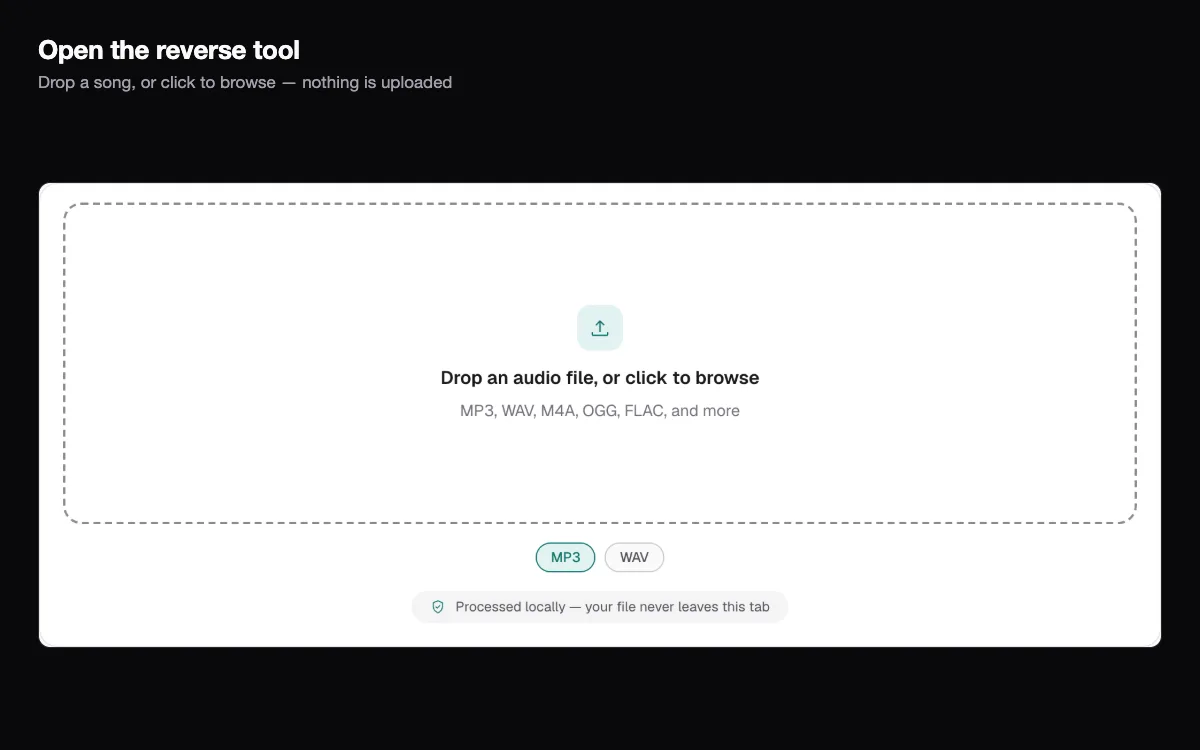
- Open the reverse audio tool and drop an MP3, WAV, M4A, OGG, or FLAC file. It decodes on your device and is never uploaded.
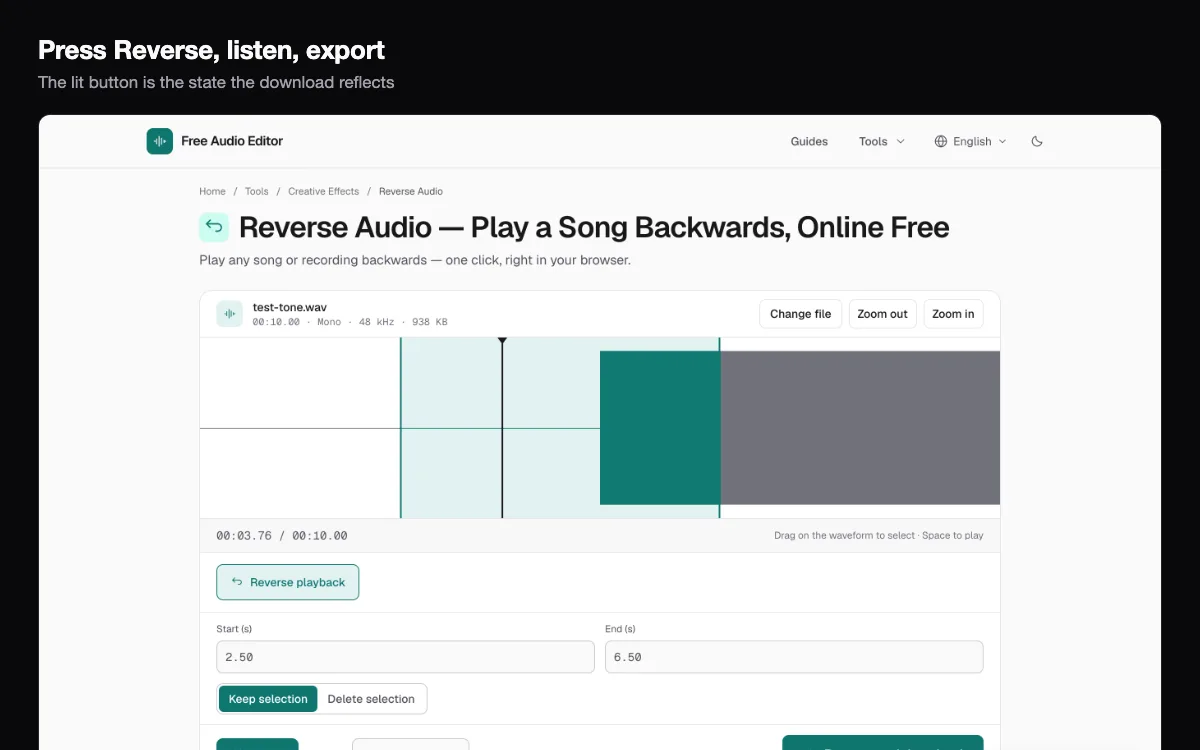
- Press Reverse. The flipped preview starts playing on its own, and the button stays lit while the reversal is on.
- Listen. Press Reverse again to flip it back — the toggle is the whole interface.
- Pick the format and press Reverse and download. Choose WAV for the exact samples, MP3 if you want the smaller file. The download starts by itself.
The export keeps the duration to the sample. An MP3 export re-encodes the audio once — that is the only cost.
What the flip does to the file
Reversal is a re-ordering in place, and the file facts follow from that. The duration, the sample rate, and the channel count are untouched: a 3:22 stereo 44.1 kHz file comes back a 3:22 stereo 44.1 kHz file. Each channel is reversed within itself, so the stereo image mirrors but nothing phase-cancels — the two channels stay in sync. What the export format decides is fidelity: the WAV export writes the exact reversed samples, and the MP3 export encodes them once at the chosen bitrate, the same one-generation cost every MP3 export on this site has. For a producer checking an edit, none of this matters; for a sound-design asset that will be pitched and processed further, export WAV and keep it.
Audacity
When the flip feeds a bigger edit — you want the reversed cymbal trimmed and faded inside the session — Audacity does it in place: import the file, choose Effect > Reverse, then export or keep editing. audacityteam.org has the current build; the effect has been in there for decades and applies to the whole track, so select the region first if you only want part of it flipped.
ffmpeg
One line flips a file without opening anything:
ffmpeg -i input.mp3 -af areverse output.mp3The areverse filter holds the whole stream in memory to walk it backwards,
which is nothing for a three-minute song and worth thinking about for an
hour-long recording — trim the section first if the file is huge. For a
folder, wrap the line in a small shell loop and change only the filenames.
Common mistakes
- Expecting the length to change. Reversal is a re-ordering, not a stretch. If the output is shorter or longer, something else touched the file.
- Reversing an already-reversed MP3. Two flips cancel musically, but each MP3 write is a lossy generation. Flip the best master you have, once, and export.
- Hearing words that are not there. Syllables played backwards land on phonemes that resemble words, and suggestion does the rest. Listen twice before you send the “secret message” to the group chat.
- Uploading the file to a converter site when every route on this page runs locally. An unreleased session or a client’s raw takes should not leave the device for a flip the browser does in one click.
Where to take the flip next
The reversed section usually needs trimming and a short fade before it drops into anything: how to cut a song covers the cut, and if the goal is the slowed-and-reverb effect instead of a literal flip, the steps live in how to make slowed + reverb. For the one-click route, the reverse audio tool is still open in a tab.
Sources
More hands-on walkthroughs in all guides.