How to Loop a Section of a Song Online (2–16 Repeats)
By Free Audio Editor · · How we test
Looping a section is the fastest way to make a short piece of audio do more work: four bars of chords to practice over, a backing figure that outlasts the video it sits under, a sting repeated until the scene ends. The job is mechanical — take a clip, write it back to back N times, hide the seams — and the audio looper does it in the browser for 2 to 16 repeats, with an optional crossfade at each join, without uploading the file. This page covers picking a section that actually loops well, the browser route, the DAW route for bigger jobs, and the mistakes that make a loop click.
Picking a section that wants to be looped
The loop is decided at the cut, long before any repeat count. Three things make a section loop cleanly:
- Start and end musically. A section that begins and ends on the bar — the classic ostinato idea of a repeating figure — sounds intentional when it wraps. A cut mid-phrase sounds like a mistake every single pass.
- Steady state only. Leave any fade-in or fade-out outside the selection, or the loop dips in level every time it wraps.
- A length you can live inside. Two bars gives no breathing room; eight bars of a groove works for practice. The looper’s status line shows the export length as you drag, so the arithmetic — selection times repeats — never has to happen in your head.
The browser route
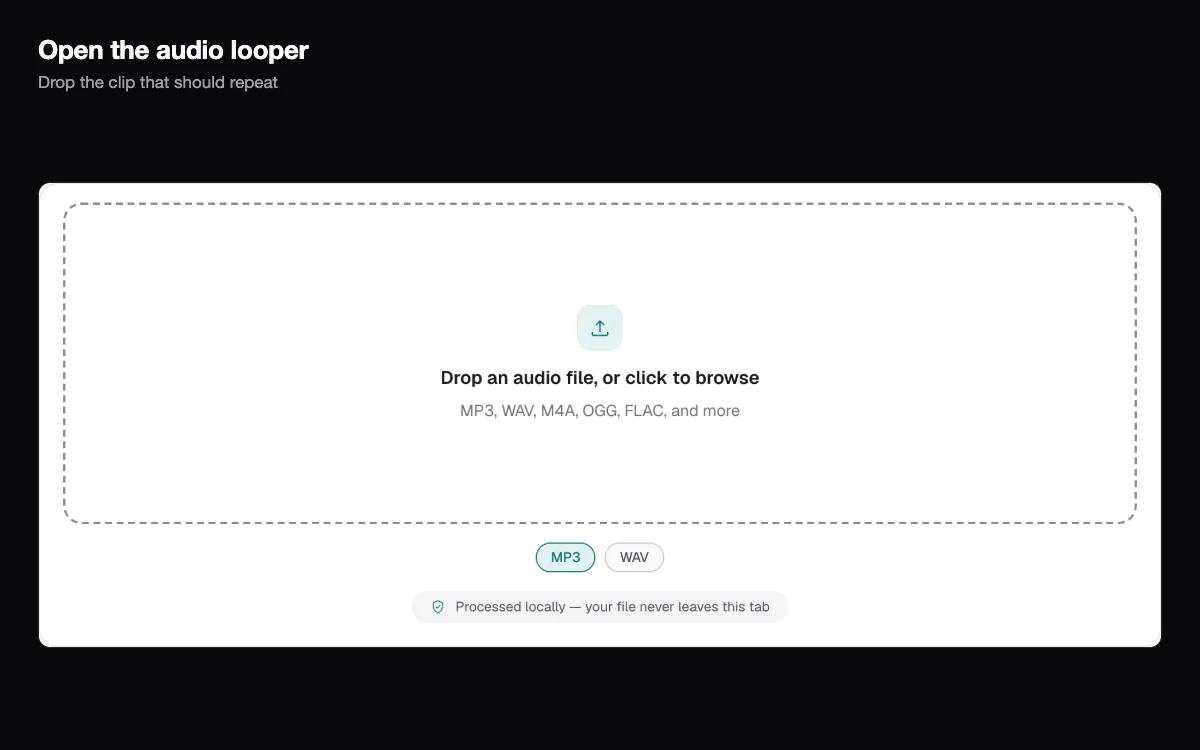
- Open the audio looper and drop an MP3, WAV, M4A, OGG, or FLAC file. It decodes on your device.
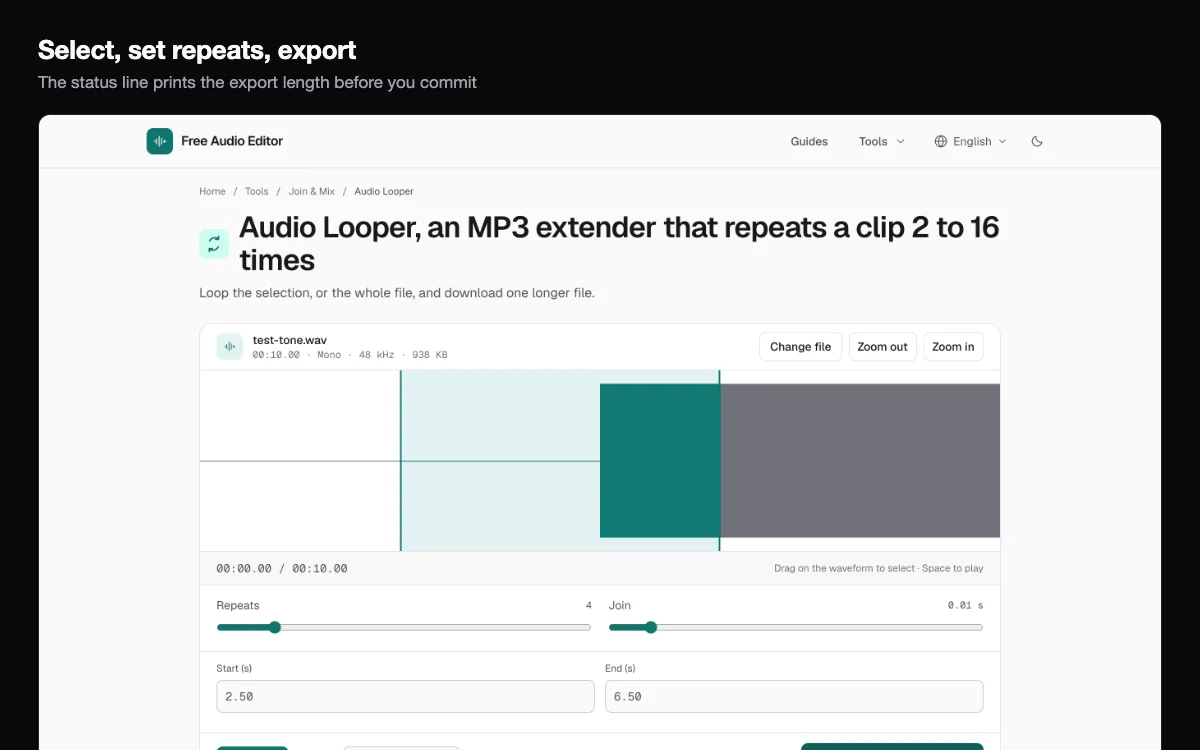
- Drag on the waveform to select the section. With nothing selected, the whole file repeats.
- Set Repeats between 2 and 16. The status line shows the length the export will have — four bars times eight repeats is the number it prints, not one you work out.
- Set Join, the crossfade at each seam, anywhere from 0 to 0.1 seconds. Keep it small; more on that below.
- Play the original to confirm the selection, then press Loop and download. The export is one MP3 or WAV — the clip written back to back, seam-crossfaded, and downloaded as a single file.
There is a cap on the total output length; when a selection and repeat count go past it, the status line says so instead of quietly truncating. Shrink the selection or the repeat count and the export comes back.
Concretely, a practice loop in two minutes: drop the track, drag a selection from the downbeat of bar 9 to the downbeat of bar 13 — four bars, about 8.5 seconds at 112 BPM — set Repeats to 10 and Join to 0.05 s. The status line prints something near 85 seconds, which is ten passes through the figure with a 50 ms handoff at every seam: long enough to settle in, short enough that a mistake costs seconds, not minutes. Export WAV if the loop is going into a DAW, MP3 if it is going into a phone speaker in a bedroom.
Why the seam clicks, and why 0.1 s is enough
A hard seam between the end of the clip and its start clicks unless both ends land sample-exact at the same level, which almost nothing does. A short crossfade — the tail of one pass fading down while the head of the next fades up — turns the join into a smooth handoff. The cap at 0.1 s is deliberate: a long crossfade over a groove smears the transient the loop depends on. Ten to fifty milliseconds is the working range; 0 is for sections engineered to butt together exactly.
The DAW route for bigger jobs
Sixteen repeats is a ceiling, not a limitation to fight: longer forms want a DAW anyway. In Audacity — audacityteam.org — the copy-paste-and-crossfade dance builds any repeat count, and a real DAW adds loop regions that stay beat-locked and tempo-synced while you record over them. Use the browser route for the “I need this 90-second backing bed in the next five minutes” case, and the DAW when the loop is a building block of a production.
Common mistakes
- Looping a fade. The section that fades out at its end makes the whole loop breathe. Select the steady-state body and fade the final export instead.
- Expecting beat-matching. This is back-to-back repetition, not DJ looping: nothing aligns tempos. A bar-aligned selection sounds tight; a sloppy one drifts musically no matter how clean the crossfade is.
- Believing the repeat math in your head. The status line prints the export length. Trust it — the difference between 8 repeats of 3.5 seconds and 10 of them is the difference between fitting the video and not.
- One more lossy generation. An MP3 export of a loop is fine for posting, but if the loop feeds another editor, export WAV and keep the source untouched.
Where the loop goes next
A practice loop wants a count-in: the online metronome sits next to it. If the job was never repetition but several different songs in a row, that is a joiner, not a looper — how to merge songs into one track covers it. And for the loop that ends up on social, the fade and level pass in how to make slowed + reverb is the same finishing move. The audio looper is open for the next clip.
Sources
More hands-on walkthroughs in all guides.