123apps Alternative: What an Upload-Based Tool Costs You
By Free Audio Editor · · How we test
123apps is a suite of free online tools: an audio cutter, a converter, a recorder, a joiner. It works, it is free, and for a public file it is a reasonable choice. The case for an alternative is not that 123apps is bad. It is that every tool in the suite works on an upload: the file leaves your device, gets processed on a server, and comes back as a download. For a published podcast that costs nothing. For a voice memo, an unreleased mix, or a client’s raw take, it is the whole cost. This page maps each audio job to a route that never uploads, starting with the MP3 editor for the general case.
The trade, stated plainly
An upload-based tool hands the file to someone else’s server for as long as their processing and retention need. The free tiers pay for themselves with ads, size caps, and queues, and the premium tiers sell the limits back to you. None of that is a scam; it is a business model. It just means the price of the convenience is the file itself, and only you know what your file is worth.
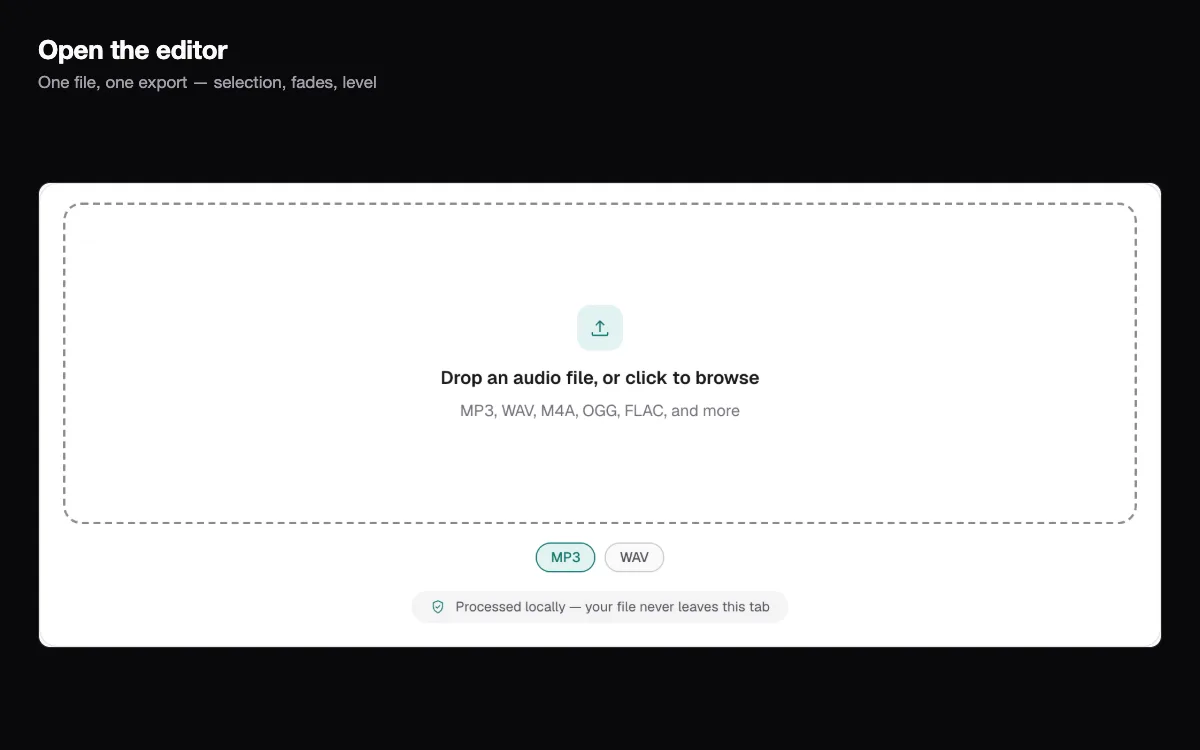
The pages here keep the processing in the tab. The file is read where it sits, the work happens on your device, and the download never passes through a server. There are no queues because there is no line to stand in.
Job by job, the local route
| 123apps tool | The local page | The job |
|---|---|---|
| Audio cutter | MP3 cutter | Keep or delete a section |
| Audio converter | WAV to MP3, M4A to MP3 | Format the player accepts |
| Voice recorder | Voice recorder | Capture the microphone |
| Audio joiner | Audio joiner | Files in a row, crossfade optional |
| Extract audio | MP4 to MP3 | Soundtrack out of a video |
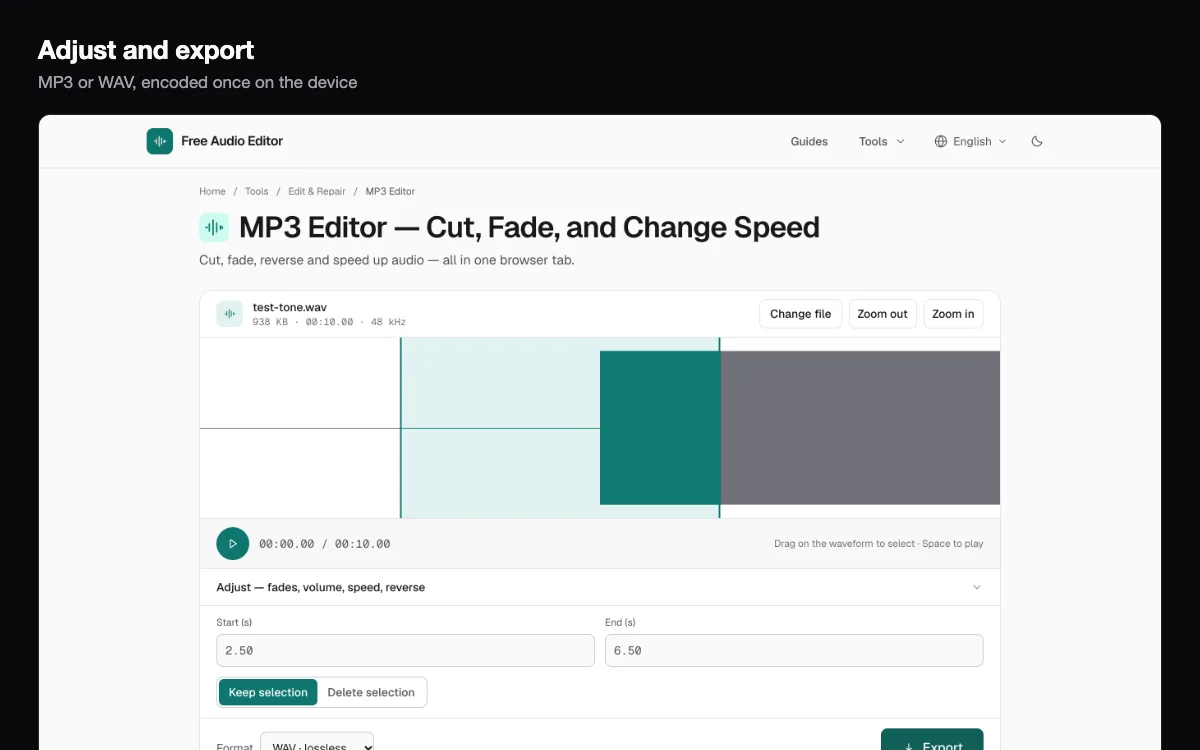
The cutting walkthrough, with keep-versus-delete and fade details, is in how to cut a song. The general-purpose page is the MP3 editor: selection, fades, volume, speed, one export.
Where 123apps still wins
Say it plainly, because a comparison that hides this is an ad too. The suite handles video editing alongside audio, and its server decoders are broader than a browser’s: a file the tab refuses may open there. A published song that is already public, sent through an upload converter, loses nothing. If the local route fails to decode, ffmpeg on your own computer keeps the file local and adds the missing decoders, which is the middle path between the two business models.
The same job, both ways
Take one job: cut the chorus out of a song and send the clip. Through an upload suite, the song goes to a server, gets cut there, and a download link comes back, behind the ads and any size or queue limits of the free tier. Through the local route, the song is read in the tab, the selection is drawn and previewed, and the clip downloads, in about the time the upload would have taken.
The end file is the same. The differences are everything around it: where the file traveled, how many steps it took, and what happens to the take if the suite is having a slow day. For a public song the differences are small. For a demo or an interview they are the whole decision.
The same math applies to converting, recording, and joining; the job map above covers each one.
The quick test
Before any upload tool, ask one question: if this file appeared on a stranger’s server tomorrow, would it matter? A released track, no. A demo, a memo, an interview, a client’s master, yes. That answer picks the route better than any feature table.
Sources
More hands-on walkthroughs in all guides.