Adobe Audition Alternative: What You Actually Pay For
By Free Audio Editor · · How we test
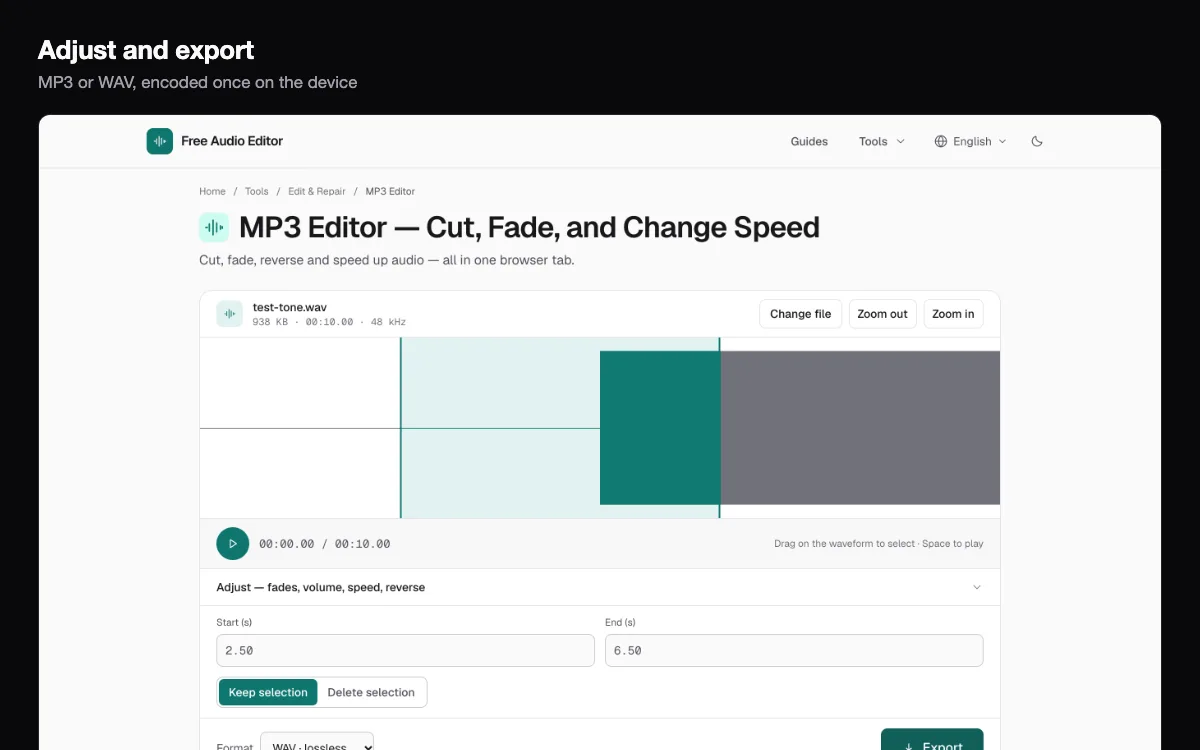
Adobe Audition is a professional DAW, and the subscription is the honest price of spectral repair, multitrack sessions, and a restoration toolkit that has no browser equivalent. The question is not whether Audition is good. It is whether your jobs use the parts you pay for. Cutting a chorus, fading an ending, or converting a WAV spends none of them. The MP3 editor covers that tier in a browser tab, and this page sorts the boundary honestly.
What the subscription actually buys
Audition’s product page leads with multitrack, waveform, and spectral display. Each is real, and each maps to a kind of work:
- Spectral view and repair. You see the noise painted by frequency, select the band a door slam lives in, and remove it without touching the voice. Nothing here does that. Noise repair stays a desktop job, in Audition or Audacity.
- Multitrack sessions. A project you reopen with automation, buses, and takes. A browser tab holds files in memory and forgets them when it closes.
- The Adobe pipeline. Round-trips with Premiere Pro. If you cut video for a living, that handshake is part of the price being worth it.
If none of those three describes your week, you are paying a professional price for a beginner’s job list.
The comparison that matters
| Audition | Browser pages | |
|---|---|---|
| Cost | Monthly subscription | Nothing |
| Install | Full app, account, license | None |
| Spectral repair | Yes | No |
| Multitrack session | Yes, reopenable | Up to 8 stacked files, one export |
| Single-file edits | Faster with practice | Fast from the first visit |
| Where the file lives | On your machine | On your machine; nothing uploads |
The last row is not a difference. Audition keeps work local, and so do these pages. The upload-based “online audio editor” sites are the ones that change that column, and neither of these is that.
Who should actually pay
Audition earns its subscription from restoration-heavy work: cleaning a back catalogue of recordings, de-clicking vinyl transfers, producing shows where a spectral fix saves a reshoot. It earns it from Premiere round-trips. It does not earn it from trimming, fading, leveling, converting, or the occasional ringtone, because those jobs do not touch the tooling you are paying for.
A week with each tool
The difference shows up in real weeks, not feature lists. A week where a client sends a lecture recorded in a clicking room, a band brings in a six-track session, and a podcast needs a spectral de-noise before publish: that is an Audition week, and the subscription pays for itself by Wednesday.
A week where three songs need their ends faded, a voice memo needs a boost, an interview needs trimming, and a WAV has to become an MP3 by tomorrow: that is a browser week, and every job on it is a single page away. The same jobs in Audition mean a project each, an import each, and an export dialog each, for work that never touches the tools the subscription funds.
Can you use Audition without subscribing?
No. Audition is Creative Cloud software, so the realistic no-commitment options are the free trial when a single restoration job justifies it, or Audacity, which is free and covers the desktop basics including noise work. The trial is also the honest test of whether the spectral tools fit your work before any money changes hands.
The migration, in the order that loses nothing
- Keep Audition for restoration and multitrack while you need them.
- Move the single-file jobs out first: cuts, fades, levels, and conversions run in the MP3 editor or the single-job pages around it.
- When the monthly list of Audition jobs is empty for a couple of months, cancel. If a spectral job shows up later, a month of subscription is still cheaper than a year of carrying it.
Audacity sits in the middle of this ladder: free, installed, and capable of the noise repair a browser cannot do. The Audacity alternative page maps that boundary in detail.
Sources
More hands-on walkthroughs in all guides.