How to Change Pitch Without Changing Speed
· Free Audio Editor Guides
Changing the pitch of a song moves it into another key. Changing the speed makes it shorter or longer, and the pitch rides along, the way a record does when it plays at the wrong speed. Those are two controls. This page is the one that leaves the length alone.
Which control you actually want
| You want | What happens | Use |
|---|---|---|
| The same song, in an easier key, same length | Pitch moves, duration stays | Pitch changer |
| A lecture in half the time, or a riff at half speed | Duration changes, pitch moves with it | Speed changer |
| The slow, low, washed-out sound | Speed drops and a reverb tail is added | Slowed + reverb |
The speed changer is not a time-stretch. It cannot play a file faster while holding the original pitch. At 2× the audio is about an octave higher and half as long. At 0.5× it is about an octave lower and twice as long. If that is the sound you wanted, stop here and use that page. If you wanted the key changed and the timing kept, stay on this one.
Shift the key
Open the pitch changer and drop in an MP3, WAV, M4A or anything else your browser already plays. The file stays on the device.
The Pitch slider runs from −12 to +12 semitones, in steps of 1.
- +12 is one octave up. −12 is one octave down. 0 is the file as it is.
- A few semitones is the useful range for singing along in a different key, or for moving a spoken line into another voice without speeding the words up.
- Past about 7 semitones the sound gets thinner and more metallic. That is the shifter, not a setting you can turn off. A dense mix shows it sooner than a single voice or a single instrument.
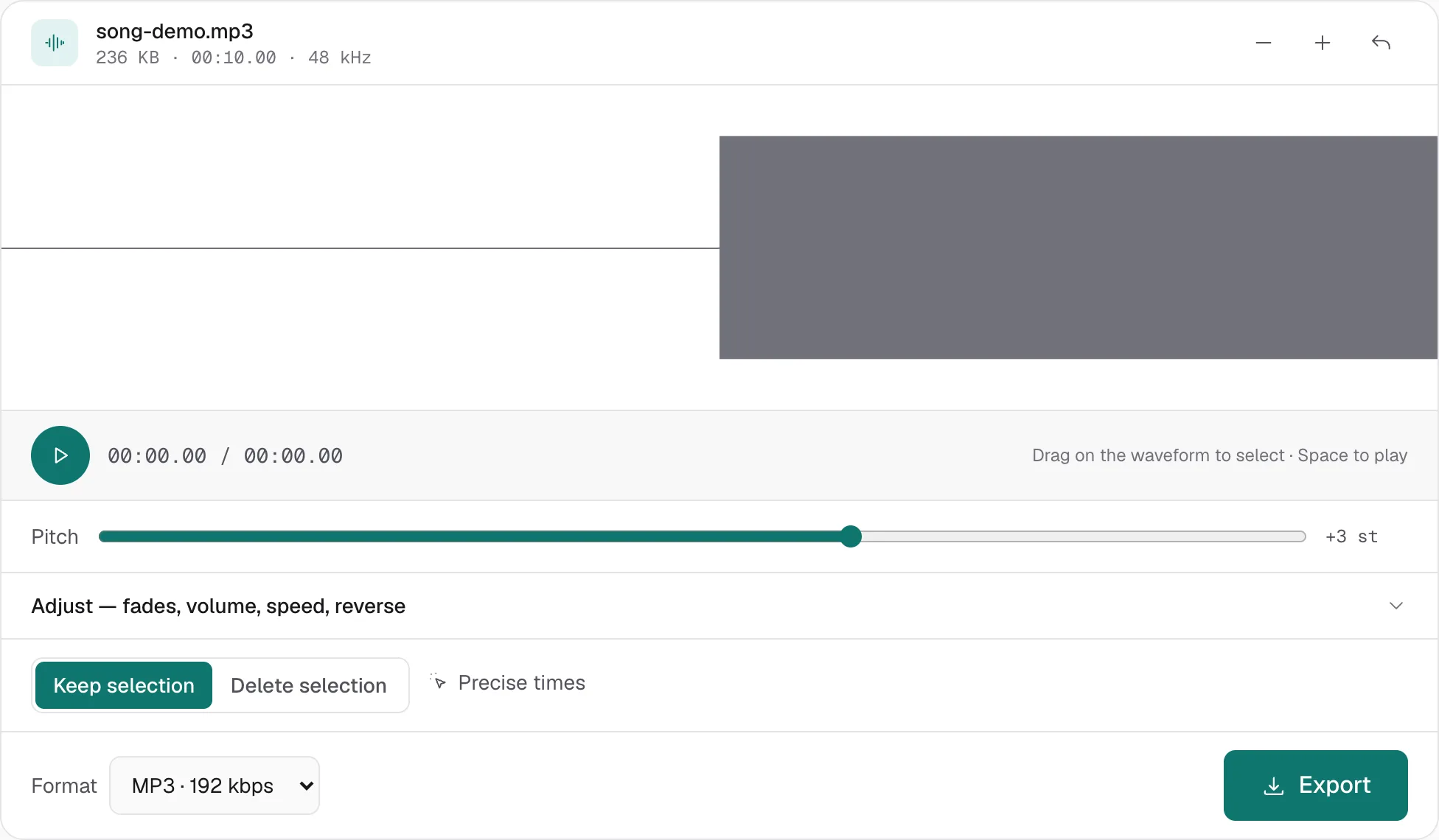
Press play. The new key is at the original length. Then export MP3 or WAV.
Leave Speed at 1.00×
The pitch page also has a Speed slider inside Adjust, from 0.5× to 2×. Leave it at 1.00×.
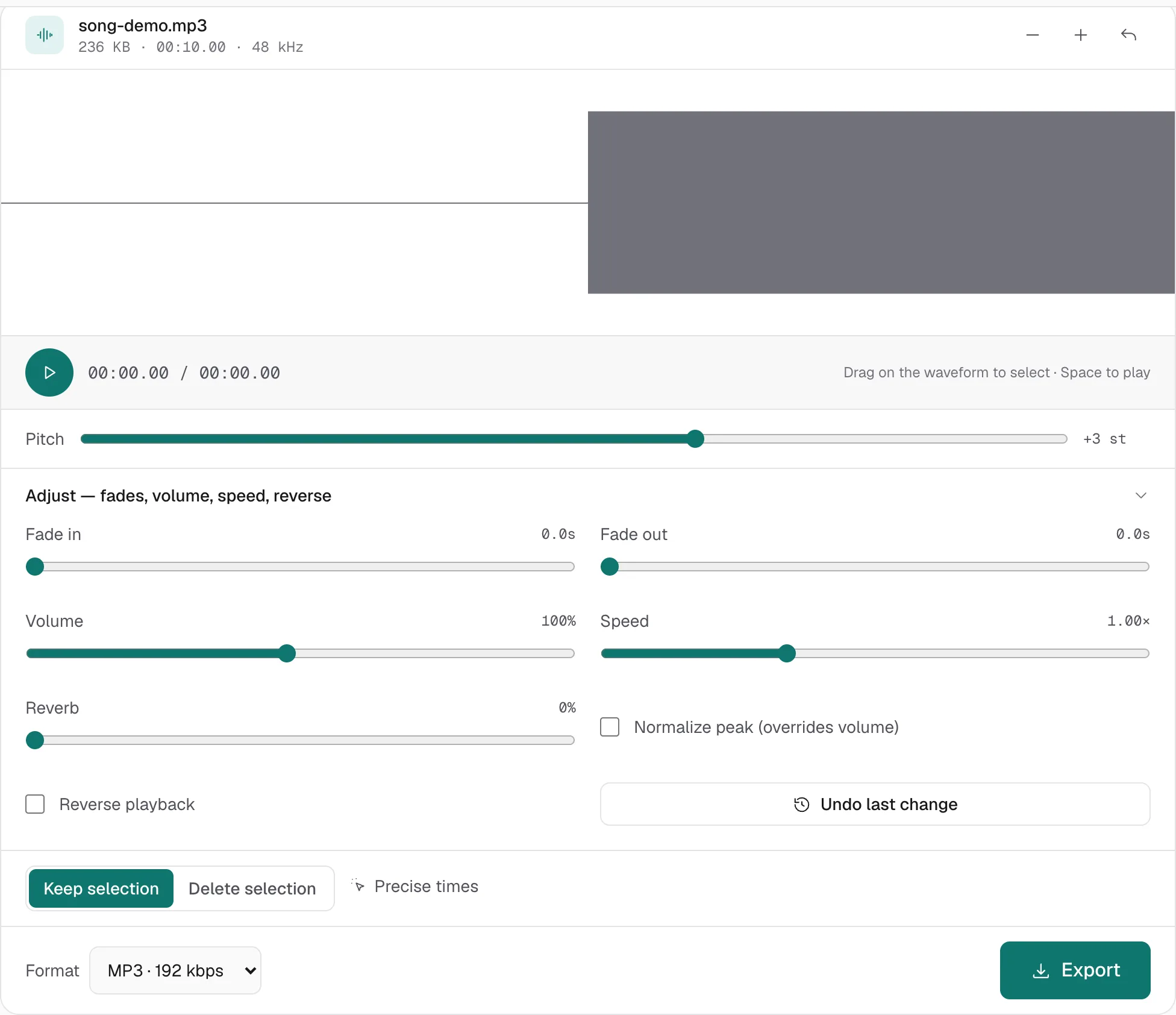
If you move it, two things happen at once. The file gets shorter or longer, and the pitch moves with that speed change. The semitone slider then moves the pitch again on top. That is a different edit from the one this page is for.
The pitch slider does not reach inside a mix. It shifts every sound in the file by the same amount. It will not pull the vocal out and leave the band where it was.
Export, and what the shift does not do
WAV keeps the shifted audio as 16-bit PCM, which is the right handoff if you will edit again. MP3 192 or 320 kbps is the right file to send. Exporting MP3 from an MP3 re-encodes once. For a cover rehearsal that is irrelevant. For a master, export WAV.
A pitch shift does not clear the rights on a recording. A track shifted up a few semitones can still be claimed. Change the key so you can sing it. Publish music you have the rights to.
The original file on disk is not modified. Refresh the tab and the session is gone, because nothing was stored. If the pitch change is one step in a larger edit, start from how to edit an MP3 file and export once.
More hands-on walkthroughs in all guides.