Normalize vs Compress: Which One Do You Need?
By Free Audio Editor · · How we test
Normalize and compress are often listed as if they were two names for the same cleanup. They are not. Normalize moves the entire file up or down by one gain. Compression changes the distance between the loud parts and the quiet parts. Choosing the wrong one is why a recording can end up louder and still hard to listen to. The normalizer and the level compressor on this site split the two jobs.
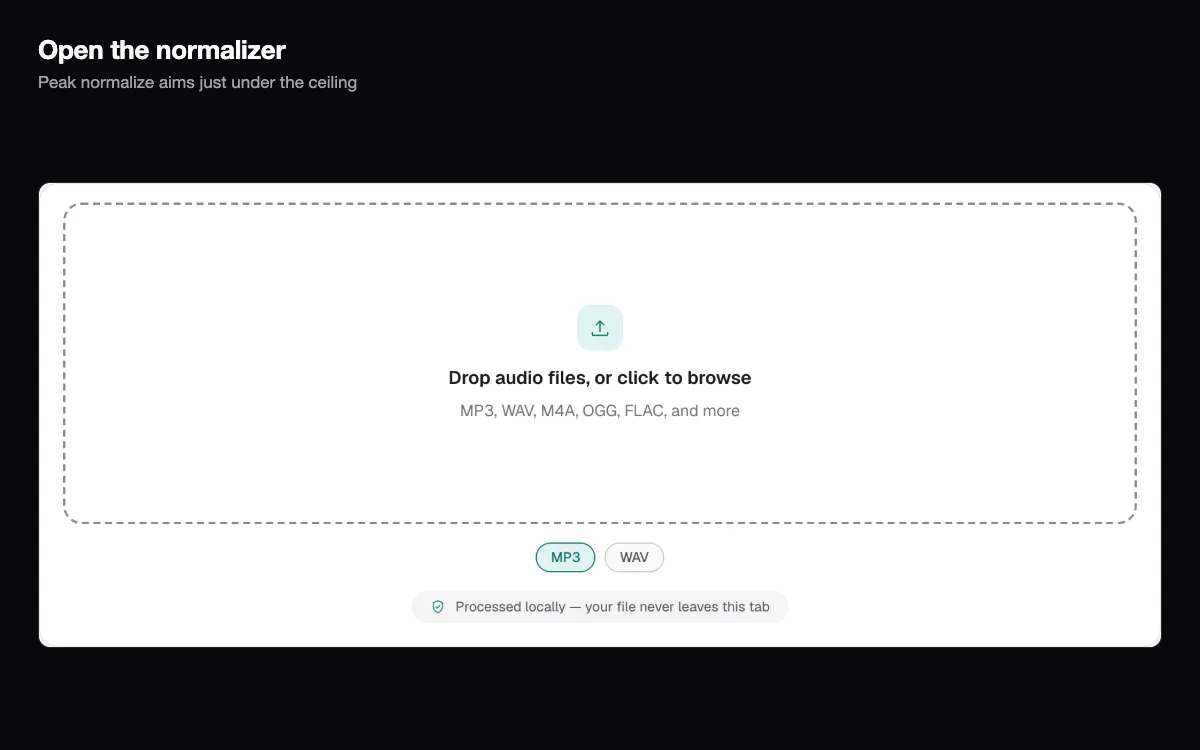
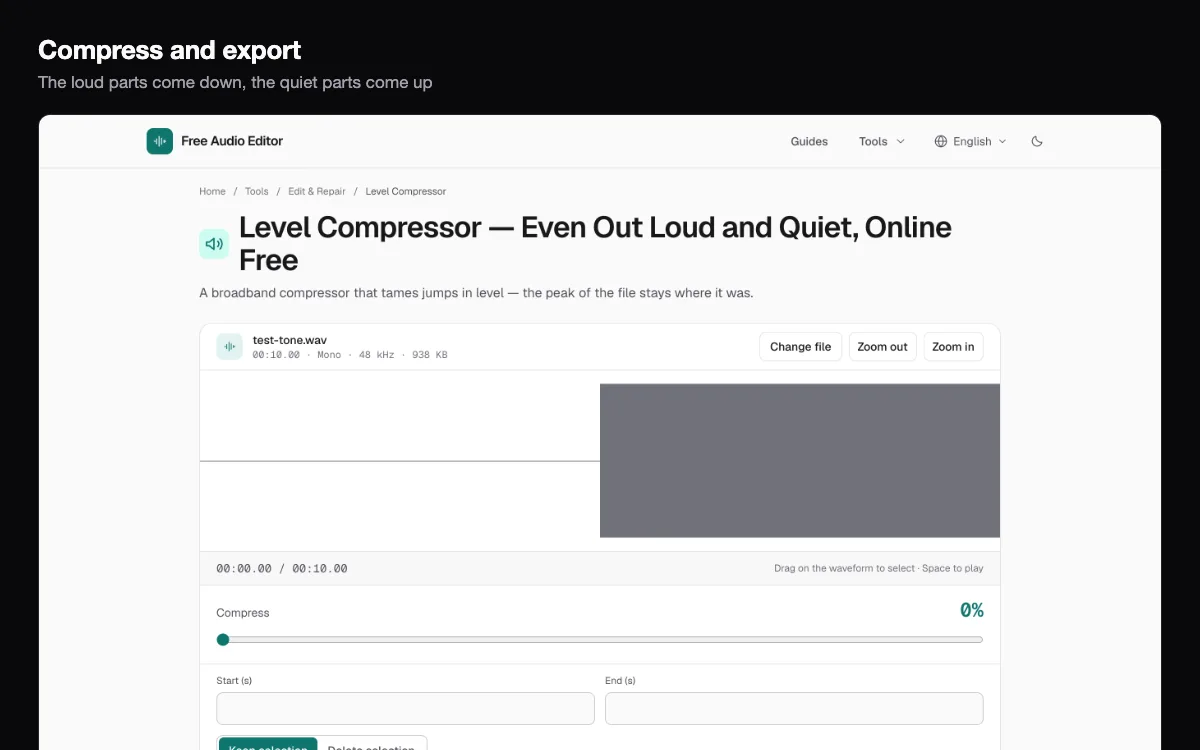
Both pages run in the browser and neither uploads the file. The decision is about what you want the dynamics to do.
Long pauses are a different job. Remove long pauses from a recording deletes gaps longer than the minimum you set and keeps breaths that are shorter.
The one-sentence difference
Normalize: find the loudest sample, raise the whole file until that sample sits just below the ceiling. Every other sample moves by the same amount.
Compress: turn down the loud moments and bring the quiet moments up relative to them, narrowing the range. The peak is then restored.
Normalize changes the level. Compression changes the dynamics.
What each control does here
The normalizer targets a peak of about −0.2 dBFS. It is a peak normalize, not a loudness normalize. It does not target LUFS, and it does not even out a shout and a whisper.
The level compressor is one broadband compressor. Threshold runs from −18 dB down to −36 dB, and ratio from just over 1:1 up to 8:1. After compression, the export is scaled so its peak matches the source peak (capped at −0.2 dBFS). There is no separate makeup gain to set.
| Normalize | Compress | |
|---|---|---|
| What moves | The whole file, one gain | Loud and quiet parts, relative to each other |
| Dynamics | Unchanged | Narrowed |
| Target | Sample peak near −0.2 dBFS | Peak restored after compression |
| Good for | A file that is uniformly too quiet | A take where some words are loud and others are not |
| Not for | Evening out a shout and a whisper | Making a quiet file louder without changing dynamics |
Pick normalize when
- The recording is quiet from start to finish, with no peaks near clipping.
- You want a known ceiling before sending the file on.
- You will compress next and want a predictable starting peak.
- You are preparing a batch of clips to sit at a similar peak.
A voice memo recorded across the room often fits. The whole file is low; there is no single loud moment setting the ceiling.
Pick compress when
- One sentence is a shout and the next is a mumble.
- A guest leans toward and away from the microphone.
- The chorus jumps out of the verse and you want the quiet phrases closer.
- You are preparing a voice for a video where the viewer should not reach for the volume knob.
Compression will also lift the room tone and any hiss in the quiet parts. If noise is the real problem, fix that first or accept that it will become more audible.
The case normalize cannot fix
If one cough, laugh or door slam is already near full scale, normalize has almost nothing to do. That single peak sets the gain for the whole file, so the quiet speech stays quiet. Compression is the tool that pulls the peak down and brings the speech up.
The reverse is also true: if the file is uniformly quiet and the dynamics are already even, compression adds processing for no benefit. Normalize is enough.
Neither one is a loudness target
Streaming platforms and podcasts talk in LUFS, not peak. A file can be peak-normalized and still sit far from −16 LUFS, because one transient sets the peak while the body of the audio stays low.
The loudness meter measures integrated LUFS and can match −16 (podcast), −14 (streaming) or −23 (broadcast). It holds the sample peak at −1 dBFS, which is a different ceiling from the normalizer’s −0.2 dBFS.
Use the meter when the destination specifies a loudness target. Use normalize when you only need a healthy peak.
A sensible order
- Trim and clean up the recording.
- Compress if the dynamics are uneven.
- Normalize to set the peak, or use the loudness meter for a delivery target.
- Export WAV if you will edit again, MP3 for delivery.
Compressing first and normalizing second is the usual order because compression changes the peak, and normalize should be the last level decision. Doing it the other way means the compressor may undo the ceiling you just set.
None of these controls shrinks the file. A smaller MP3 is the audio compressor — the file-size tool with a confusingly similar name.
Sources
More hands-on walkthroughs in all guides.