How to Remove Silence from a Podcast
By Free Audio Editor · · How we test
A podcast take usually has two kinds of quiet. One is the breath between words, and it should stay. The other is the pause while someone thinks, or the gap after an answer before the next question, and that is the dead air people skip. The silence remover cuts the second kind and leaves the first, walking the whole file on its own.
That is a different job from trimming audio, where you draw one region and keep exactly that.
The two numbers that decide a cut
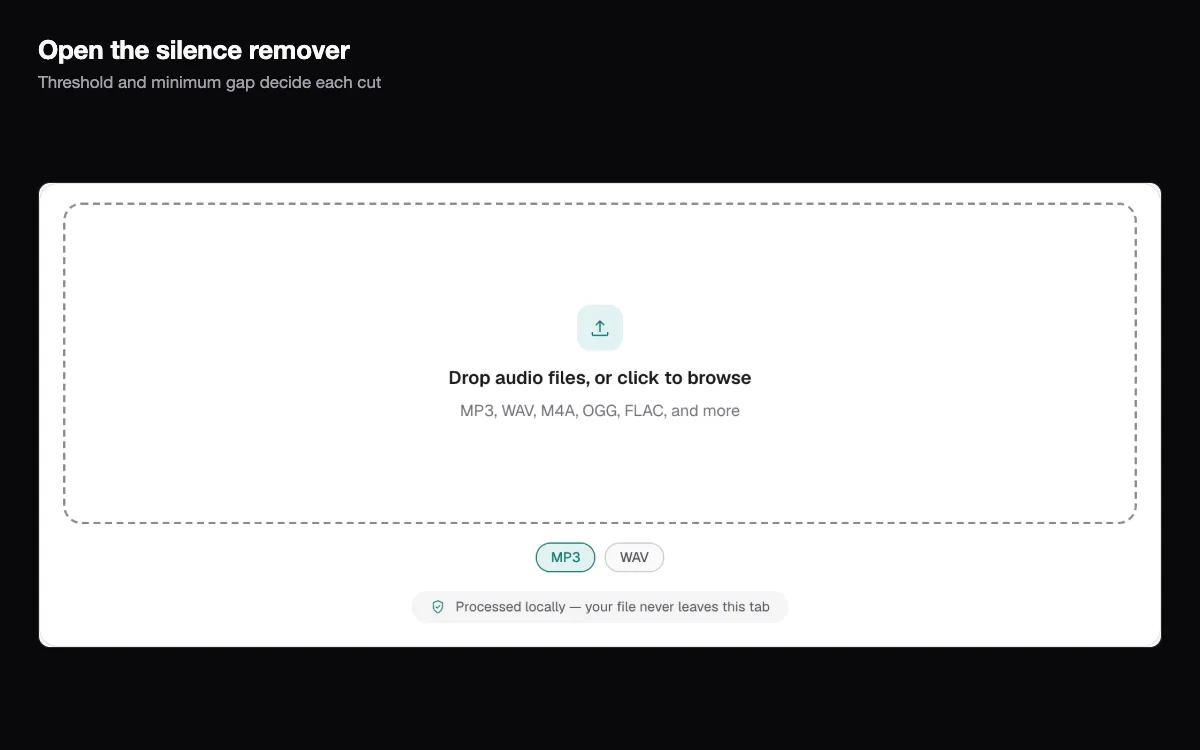
Open the silence remover and drop the file. Two controls do the work.
Threshold is how quiet a stretch must be, from −60 to −20 dBFS. The default is −40 dBFS, which suits speech and a voice memo. A number closer to zero (say −20) only treats near-silence as a gap. A number further down (say −60) treats ordinary quiet speech as a gap too, and words start to disappear.
Minimum gap is how long that quiet stretch must last before it is removed, from 0.1 to 2 seconds. A breath is shorter than a thinking pause. Set the gap longer than the breaths you want to keep. Anything shorter than the gap stays, even if it is silent.
Each cut keeps 0.08 seconds at both edges, so a word is not clipped on the consonant. The status line shows about how many seconds will go before you export.
Do it
- Drop an MP3, WAV, M4A, OGG, or FLAC file. It is decoded on your device.
- Leave the threshold at −40 dBFS unless the room tone is louder than that.
- Set the minimum gap to the shortest pause you are willing to lose. For a conversation, start around half a second and listen.
- Play the original, then export MP3 or WAV. The file is the loud parts joined together.
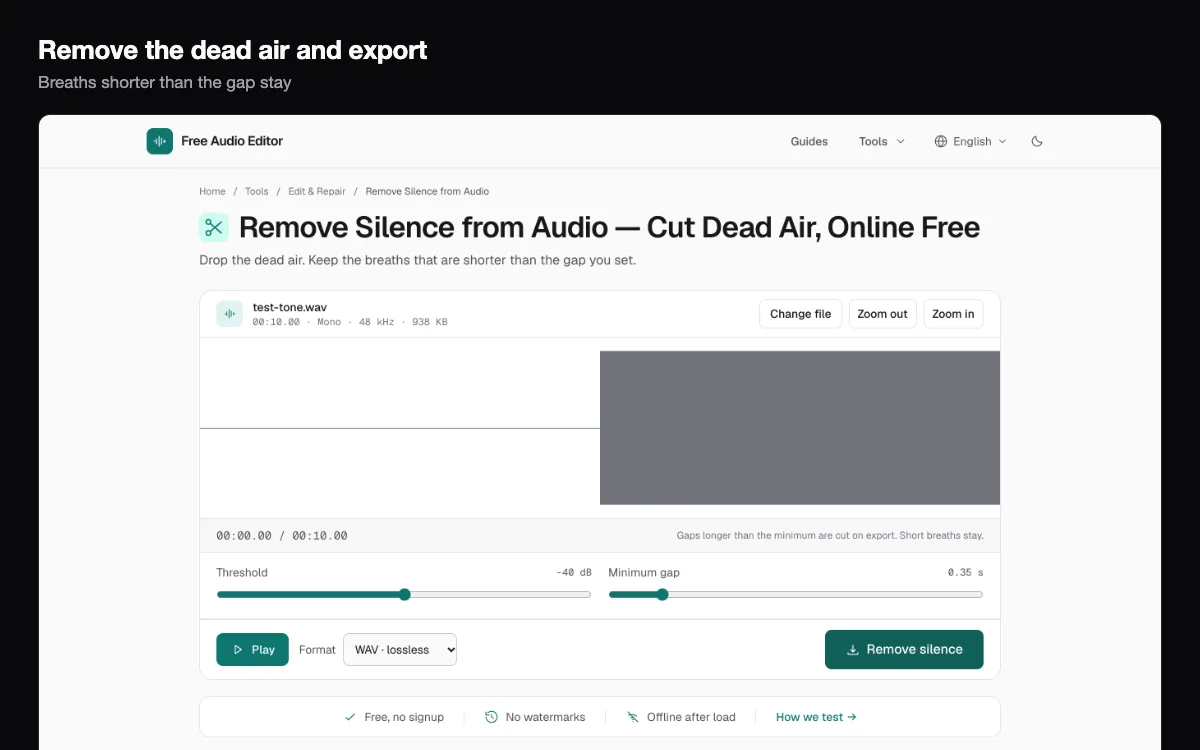
If the whole file sits under the threshold, there is nothing above the line to keep, and the export is the original file.
When this is the wrong tool
Quiet music and a fade that tails off sit under −40 dBFS. The remover will cut them. A song, a bed of music under an intro, or a fade you placed on purpose belongs on the audio trimmer, where you draw the part that stays.
One awkward sentence in the middle is a cut: select that stretch and delete it. You do not need a threshold for a single edit you can already see.
If the take is quiet all the way through, silence removal will not make it louder. That is a loudness job, on the loudness meter or with the MP3 volume booster.
What you get
The export is shorter by the gaps that passed both tests. Short breaths remain. Nothing is uploaded: the file is read in the tab and the result downloads to your device.
Before publishing, check the level. The dead air was holding the integrated loudness down, so the reading changes after the cut. The podcast loudness guide covers the targets, and the loudness meter does the match.
Sources
More hands-on walkthroughs in all guides.