Is It Safe to Edit Audio Online? How to Tell Where Your File Goes
By Free Audio Editor · · How we test
“Is it safe to edit audio online?” is really two questions wearing one coat. The one people mean is: where does my file go? Everything else — accounts, watermarks, privacy policies — follows from that. A web page that processes your audio inside your own tab has nowhere to send it. A web page that sends your audio to a server has your recording, and the safety question becomes “what is their retention policy,” which is not a question you can answer by testing.
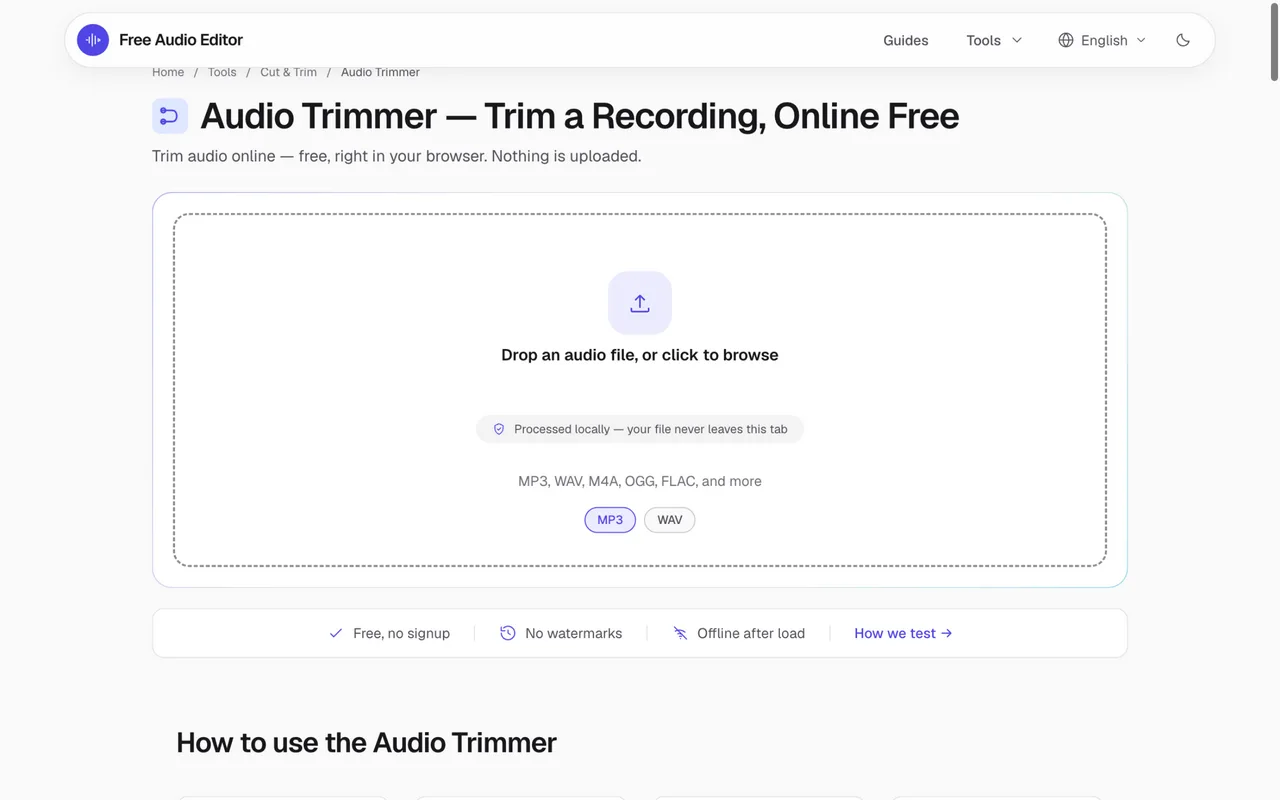
One disclosure first: this site runs browser-local audio tools, so we are making the claim being explained. Below, along with the general method, is how to check us — the same way you would check any site, including the places where our own claim needs a caveat.
The two kinds of “online” tools
“Online audio editor” covers tools with opposite mechanics. The word online says nothing about where your file goes:
- Tab-local tools. The file is decoded in your browser’s memory and every edit happens on your device. Nothing is ever sent — these tools usually have no account, no queue, and no file-size-in-bytes limit beyond what your device’s browser memory can hold. This is how every tool on this site works, and how AudioMass, the open-source browser editor you may have seen in search results, works too.
- Upload tools. The file travels to a server, gets processed there, and a result travels back. Anything with heavy server-side AI typically works this way, and it is not automatically bad — but it means a copy of your audio exists on a machine you do not control, under a policy you did not write.
The confusion is that both kinds look identical: a friendly page with a drop zone. Marketing words like “browser-based” appear on both. Only the mechanics matter, and the mechanics can be checked.
Three checks you can run yourself
1. Read the claim — and notice silence
A tool that processes locally can say so in one line, because it is true and checkable. Ours does, above every drop zone. The tell is a page that talks about convenience and never says what happens to the file. Silence is not proof of uploading, but “we don’t say” is a poor basis for trusting an unreleased track to someone’s servers.
2. Watch the Network tab
This is the direct measurement, and it takes under a minute. Open the tool page, press F12 (or right-click → Inspect) to open the browser’s developer tools, switch to the Network tab, drop your file in, and run the edit.
- A tab-local tool processes in silence. No new request appears, because there is nothing to send anywhere.
- An upload tool shows the transfer: a request appears while you wait, and its size is roughly the size of your file.
Two honest footnotes. First, pages legitimately load assets — scripts, fonts — when the page opens; what you are watching for is a request that appears after you drop the file. Second, some genuinely local tools still download once: an AI model, not your file. That case matters enough that it gets its own section below.
3. The offline test
Strongest of the three, and the hardest to fake. Load the tool page fully, then disconnect from the internet — turn off Wi-Fi, or unplug the cable — and edit anyway. If trimming, fading, and exporting still work with the cable in your hand, the page was never talking to a server about your file, because there was no internet to talk over. Every tool on this site carries an “Offline after load” promise in its header strip precisely because this test works on it.
What the real risks are
Judged honestly, the danger menu is short:
- Upload retention. On an upload service, the copy that reached the server may sit in caches, backups, or logs after you download the result. Whether that matters depends entirely on what your recording contains.
- Fake sites. The converter-scam pattern applies to audio too: lookalike domains, fake “download” buttons wrapped around real installers, pages that push a browser extension. The file question and the malware question are separate; a tool can be perfectly local and still be a scam download. Judge the download as skeptically as the privacy claim.
- Microphone permission. A recorder page needs mic access to function. The risk is not the recording — that happens on your device — but granting a page you do not trust a standing microphone.
What is not on the list: a tab-local editor reading other files on your disk. The browser’s File API hands a page only the file you explicitly pick or drop, and that is a specification-level guarantee, not a policy.
When uploading is genuinely fine
This is where honesty cuts the other way. For most audio — a song being cut for a video, a podcast episode, a lecture recording — an upload tool is a reasonable choice, and people use them daily without incident. Uploading is often the only option for work a browser cannot do on your device: heavy stem separation, hour-long video renders. If the audio is unremarkable and the tool is reputable, the convenience can be worth it.
The one-minute checks above are for when the recording is not unremarkable: an unreleased track, a confidential interview, a voice memo with personal content, anything recorded in a private space. Then “where does the file go” is the whole question.
What happens on this site, checked line by line
Every tool page here states the same thing above the drop zone: “Processed locally — your file never leaves this tab.” The mechanics behind the line: audio is decoded with the browser’s own Web Audio API, edits render through OfflineAudioContext on your device, and MP3 exports are encoded by a JavaScript library running in the tab. There are no accounts and no file storage anywhere in the stack, because there is no server in the processing path at all. The method behind the claims is written up on the how we test page, and the privacy policy is here.
Now the caveat, because a trust page with no exceptions is a trust page that stopped checking. Two tools here run AI models, and a model has to arrive on your device somehow:
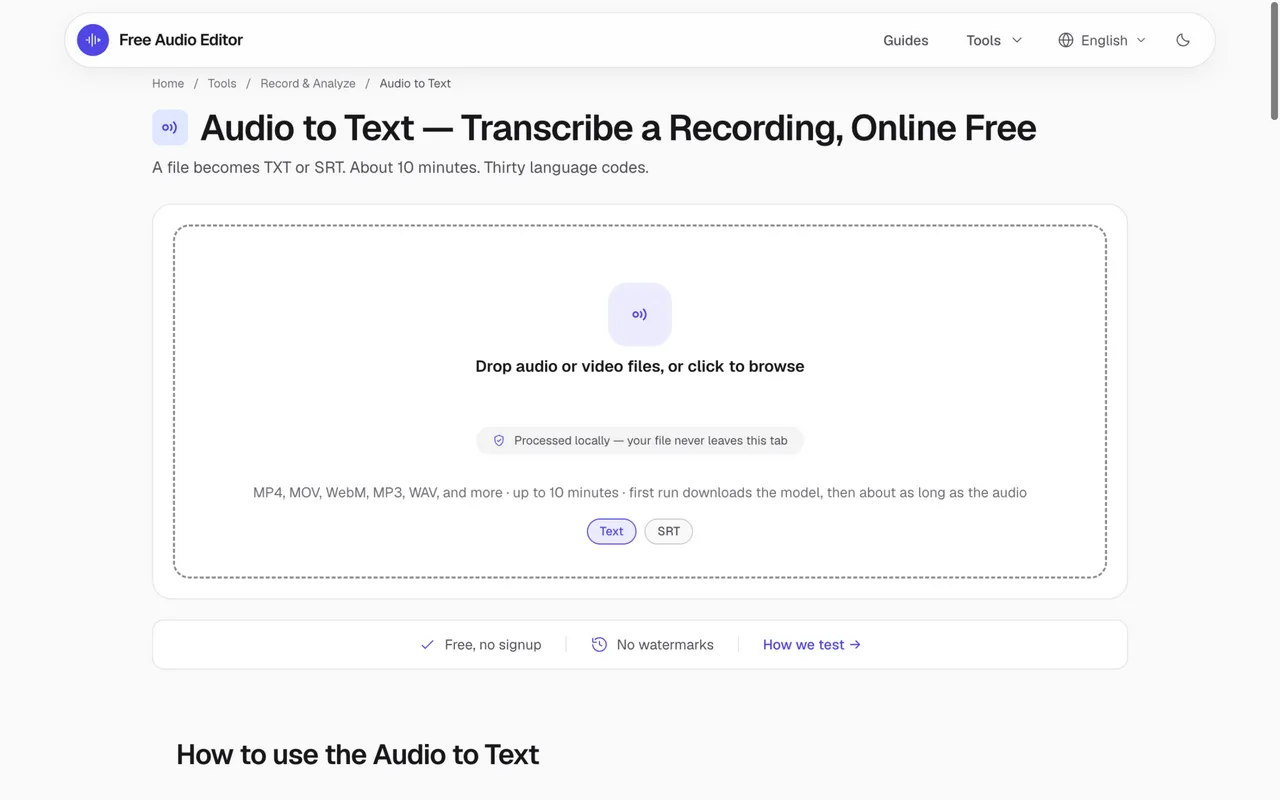
- Audio to Text downloads a Whisper model the first time you use it (Tiny is about 40 MB, Base about 80 MB) from a public CDN, and the browser caches it — later runs work offline. The model is downloaded; your audio is not uploaded for the transcription.
- Audio to MIDI downloads its note-detection model once from this site, under 1 MB. Same shape: model arrives, audio stays.
That is the complete list of network traffic any tool on this site makes after load, and both exceptions are printed on the tool pages themselves. You do not have to take the page’s word for any of it — the three checks above are exactly how these claims were verified, and the Network tab or a disconnected router will confirm them on your machine, today, without trusting anyone.
If you want to see the local workflow end to end before running your own checks, the five-edit walkthrough does a complete job — trim, cut, fade, loudness, export — in one tab, and the recording walkthrough covers the microphone case. And if the material is sensitive enough that you would rather not involve a browser at all, desktop editors remain the right call — when that is is a separate, honest question.
The 30-second version
A page that edits in your tab cannot leak your file, because there is no upload step to leak. A page that uploads owns a copy. Read the claim, watch the Network tab, or pull the network out and see if the tool still works — and be more suspicious of a page that never says where your file goes than of one that tells you, exceptions included.
FAQ
Is it safe to edit audio online?
Safe enough to judge in one minute. The risk was never "online" — it is where the processing happens. A tool that decodes and edits the file in your browser tab cannot send the audio anywhere, because it never has a server to send it to. A tool that uploads the file puts a copy of your recording on someone else's disk, and then their retention policy is the safety. Check which kind a page is before dropping anything on it; the checks below take about a minute.
Do online audio editors upload your files?
The upload-based ones do — that is how they work. The tab-local ones never do, because the editing runs in your own browser memory. If a page does not state which kind it is, watch its Network tab while you drop a file in: a request carrying your audio, usually a POST, answers the question in seconds.
Can a website read my files without me uploading them?
No. A browser only hands a page a file after you pick it or drag it in, and the page reads it inside your own tab — that is how the File API works, by specification. A site cannot wander your disk looking for recordings. The permission worth watching is the microphone: a recorder page legitimately needs it, but grant it only on a page you have decided to trust.
Is it safe to record voice online?
The same rule applies, one step earlier. The recording itself happens on your device once the page has microphone access, so the questions are: does the page need the mic at all, does it say the take is processed locally, and where does the finished file go. On a tab-local recorder the take stays in the tab until you export it.
Are online audio converters safe to use?
By the same test as editors. Conversion is just processing, so the mechanics decide: a converter that runs in your tab never receives a copy of your file; an upload converter sends the file to a server and hands it back. Audio usually carries less identifying detail than the documents people worry about in converter warnings, but an unreleased track or a confidential interview is still worth the one-minute check.
Sources
More hands-on walkthroughs in all guides.